See the stone on your own space before you buy
Upload a photo of your space, choose a stone from the Stone20 catalog, and see the result on that same photo.
- Based on Stone20's real catalog — the same stones you can actually order.
- The preview is an approximation — confirm final colour and texture with a real sample and our advisors.
- Your photo is used only to create this preview, is processed securely and is deleted automatically afterwards. Privacy policy
- Your photoUpload your wall, floor or facade.
- Pick a stoneChoose from the real catalog.
- Your previewCompare, zoom in and save it.
Upload a photo of your space
A clear photo of the wall, floor or facade you want to cover — JPG, PNG or WEBP.
Choose a stone from the catalog
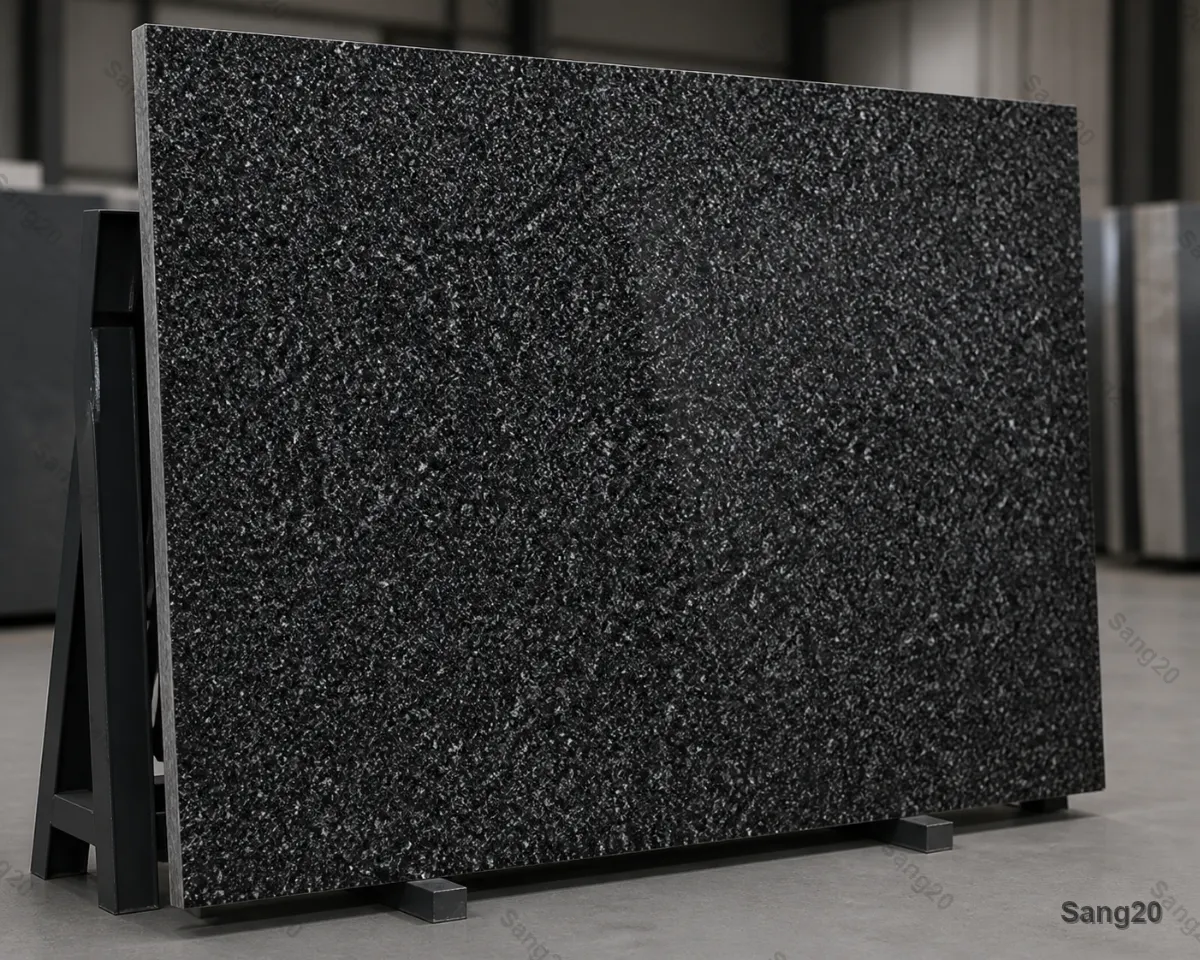 Alamut Black Granite
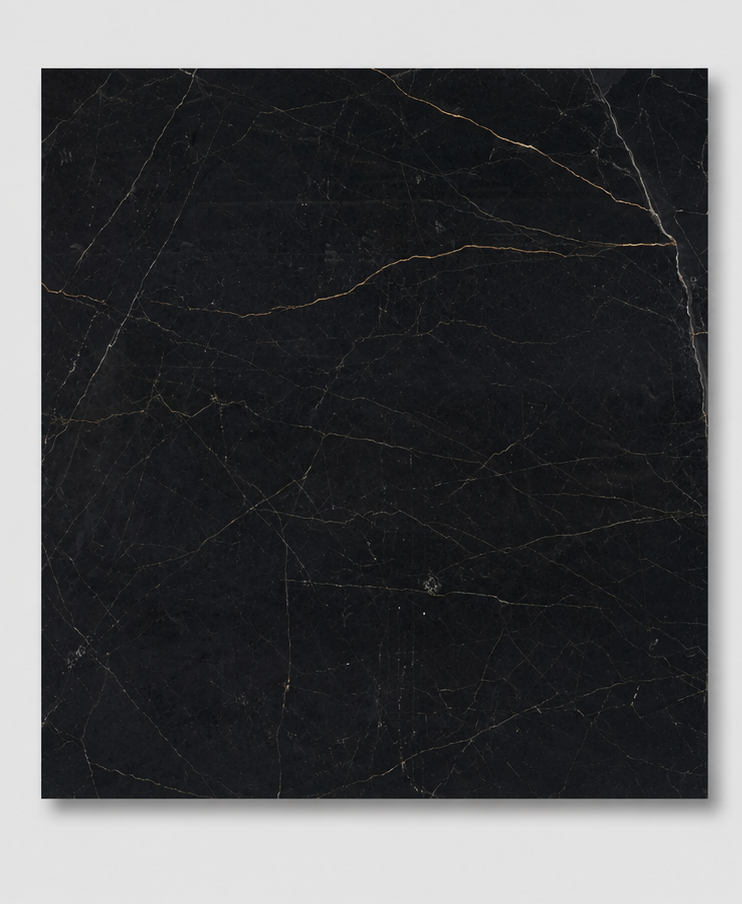 Najafabad Black Marble
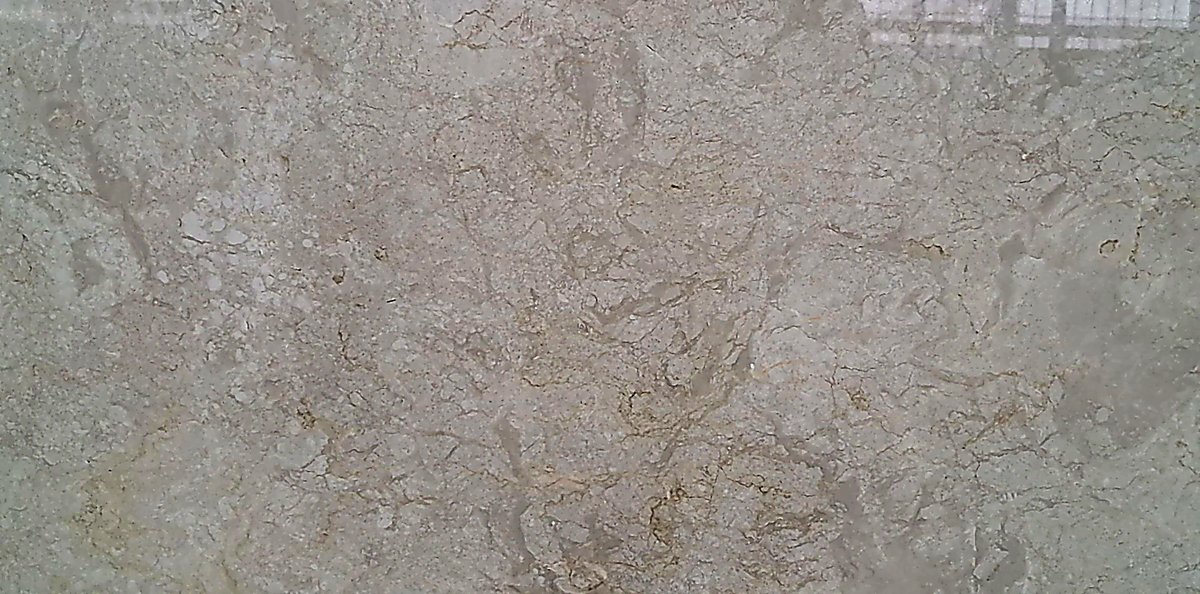 Abadeh Marble
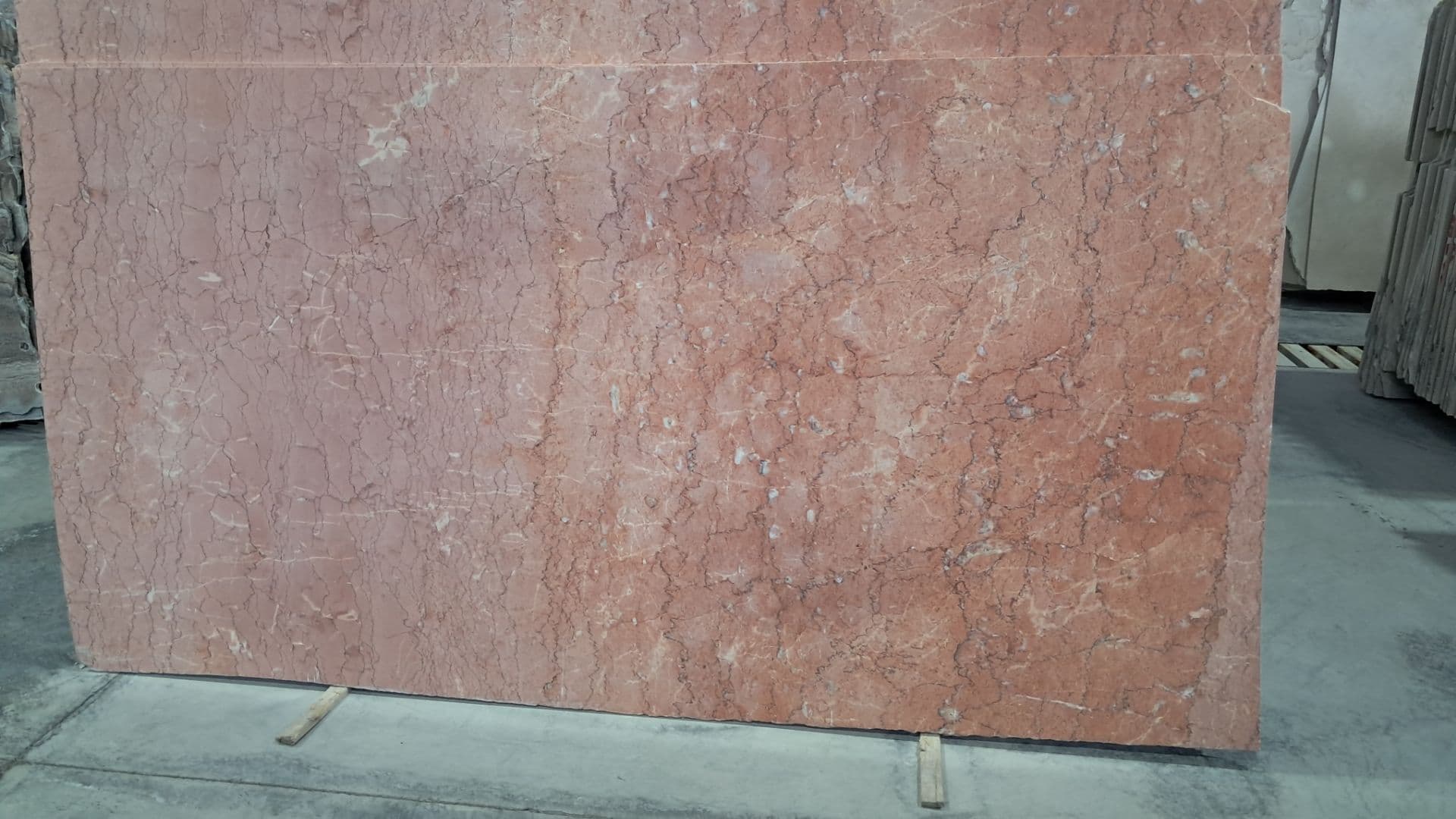 Anarak Marble Stone
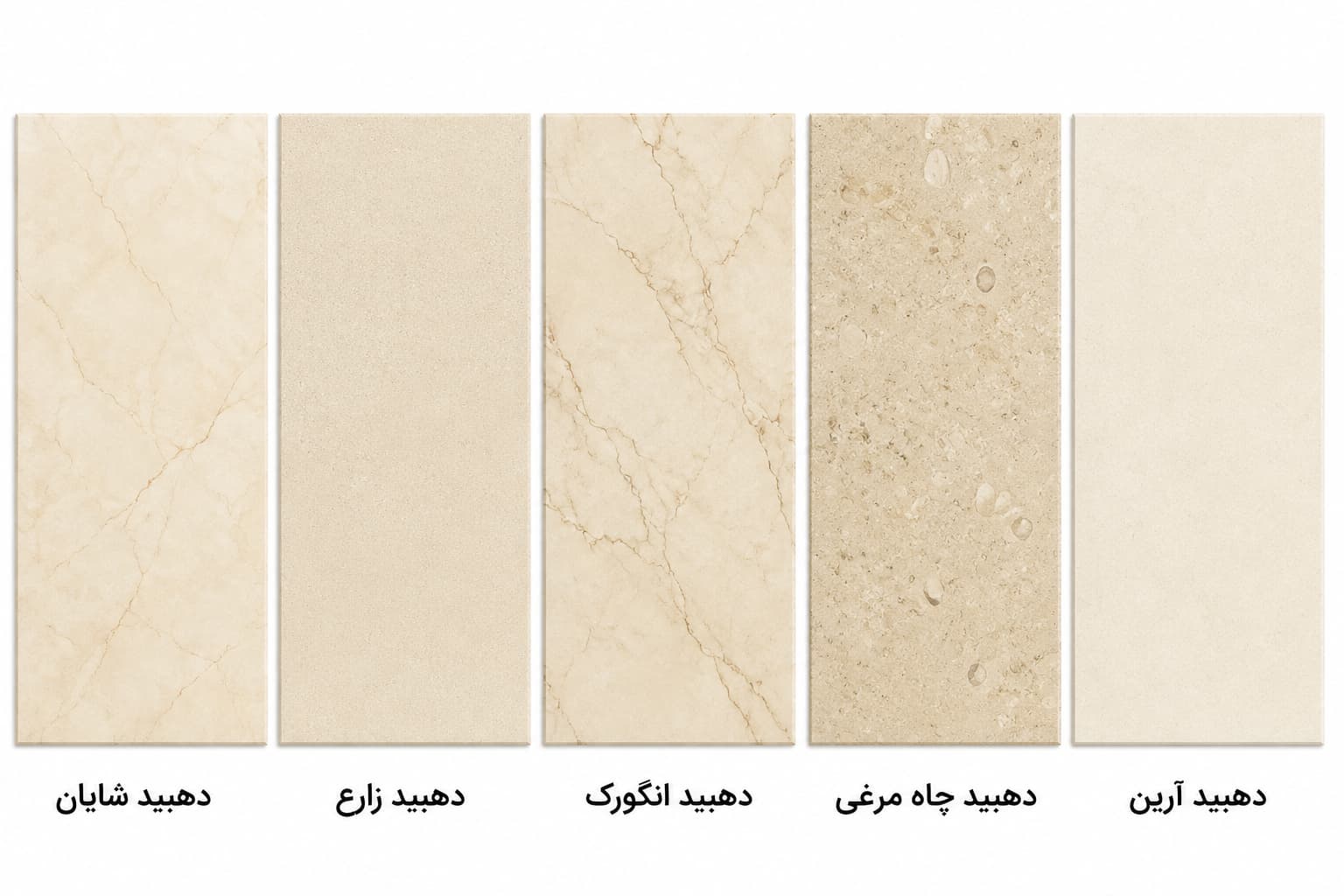 Dehbid Marble
 Salsali marble
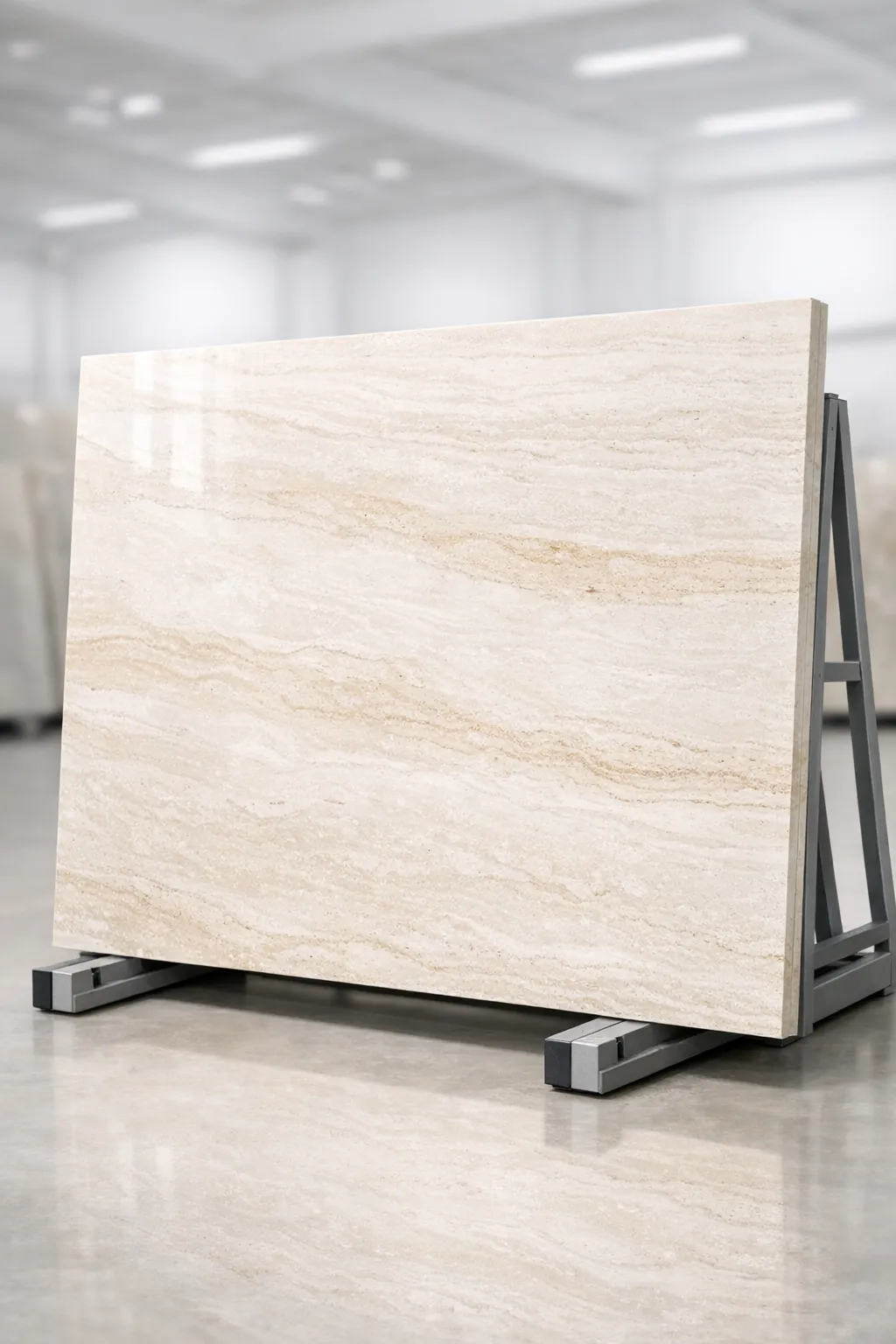 Abbas Abad Travertine Stone
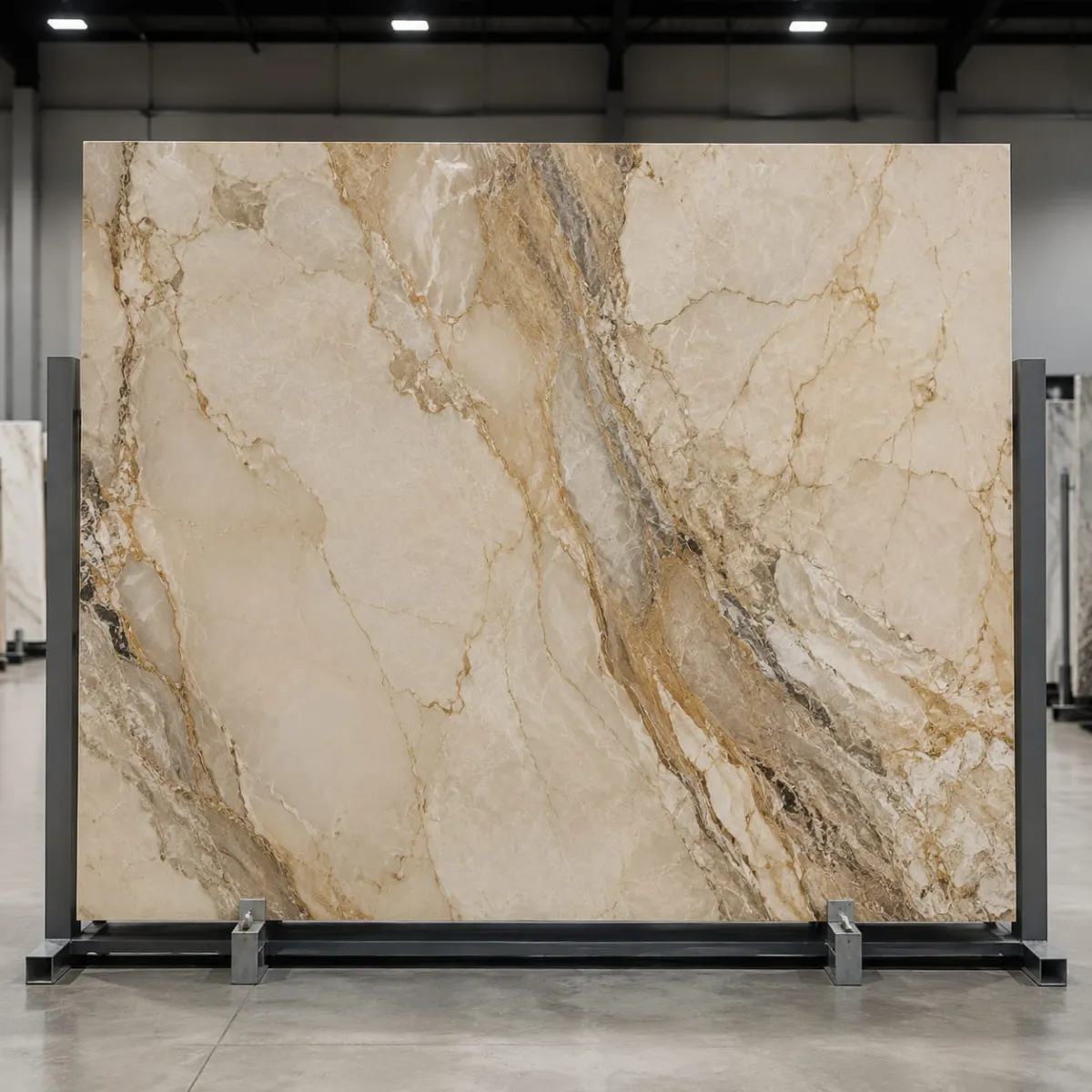 Hajiabad Travertine Stone
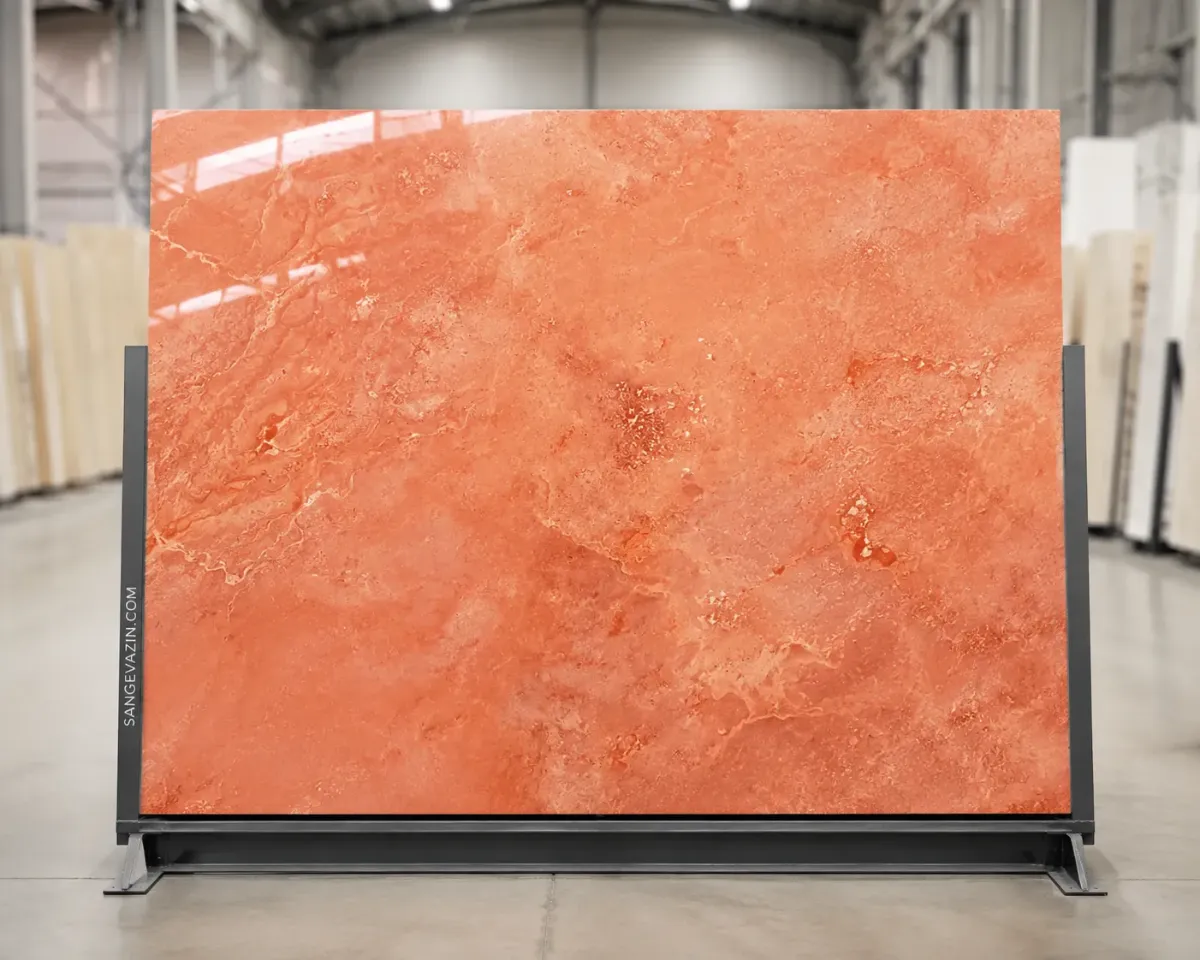 Azarshahr Travertine Stone
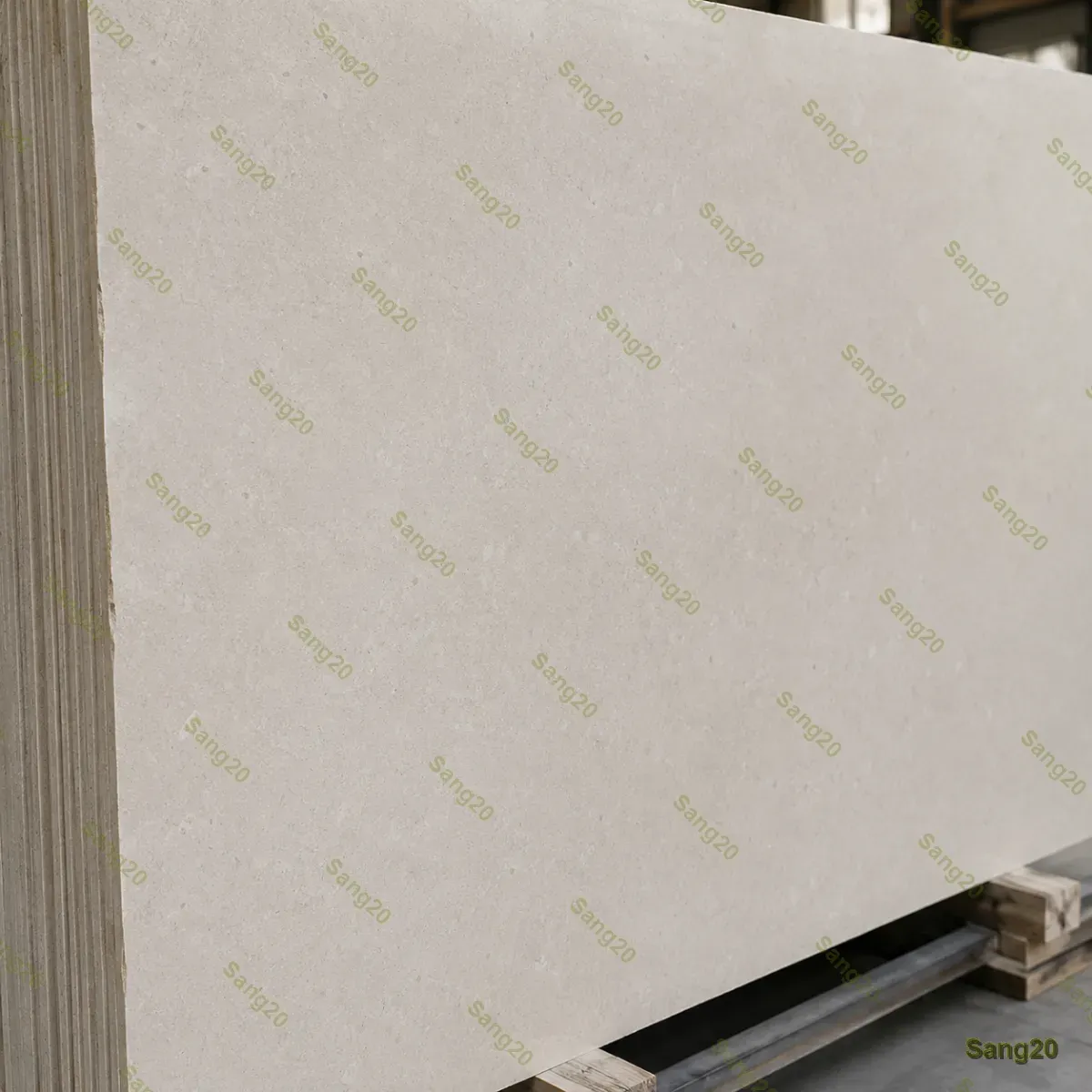 Limestone
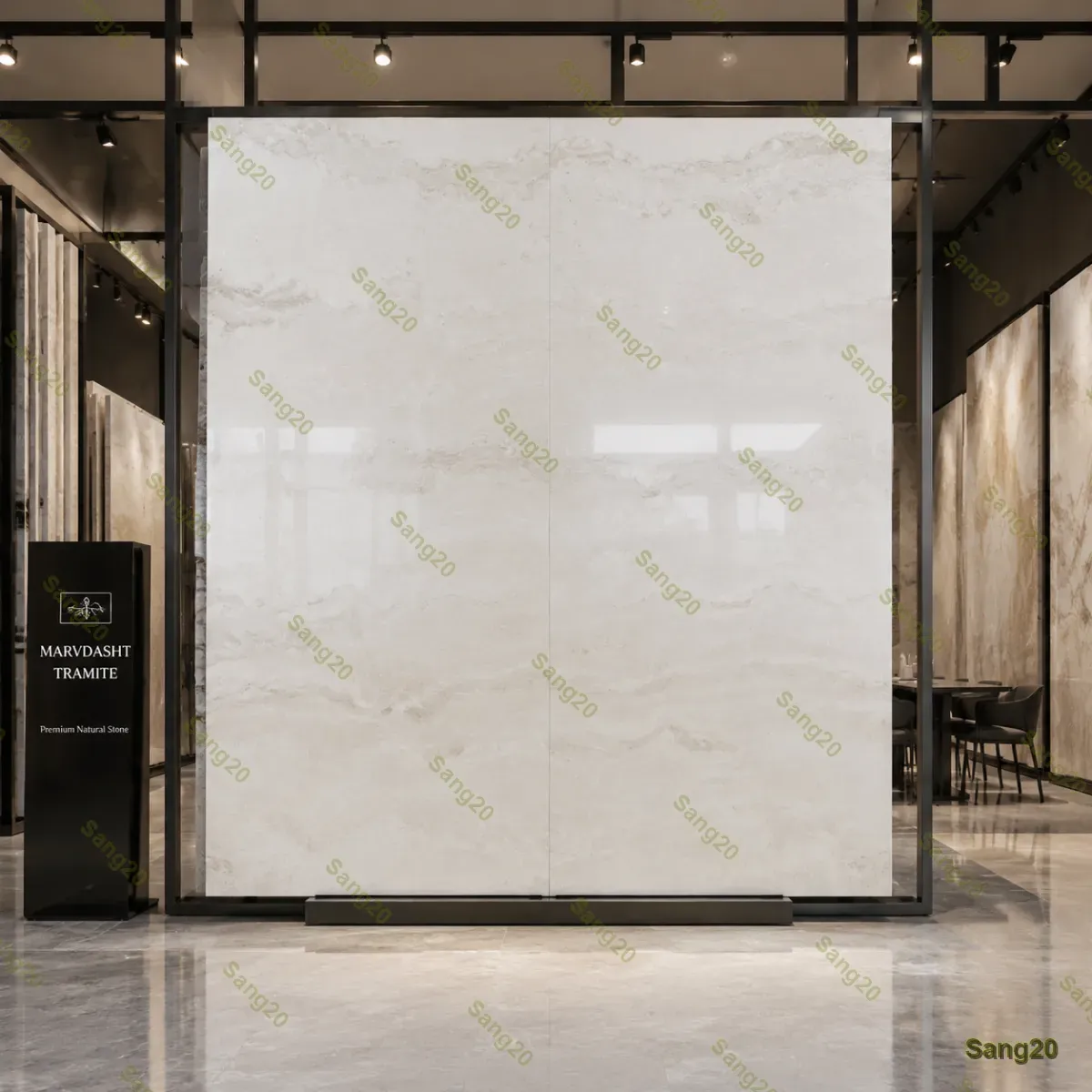 Tramit Marvdasht Stone
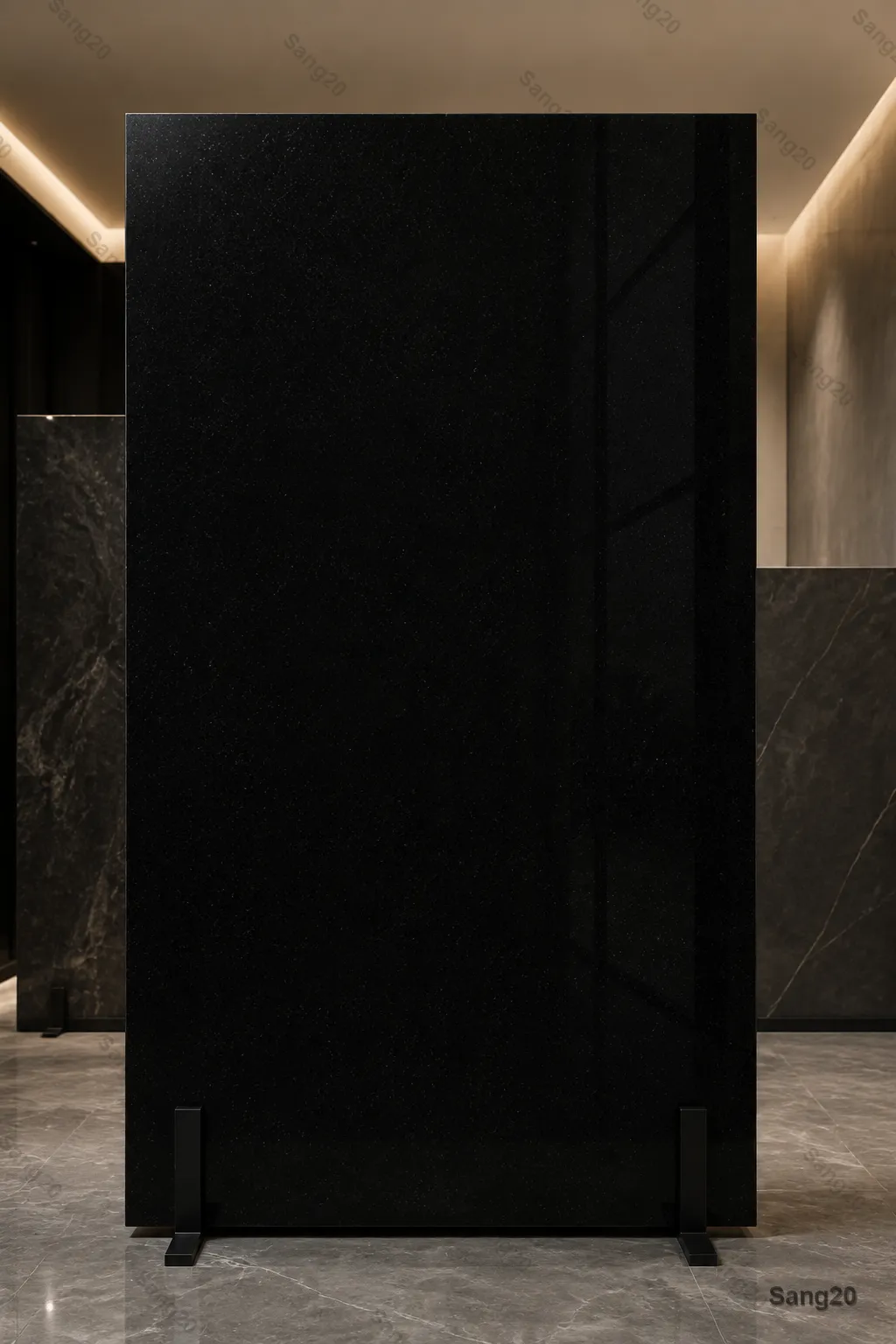 Serkan Black Granite
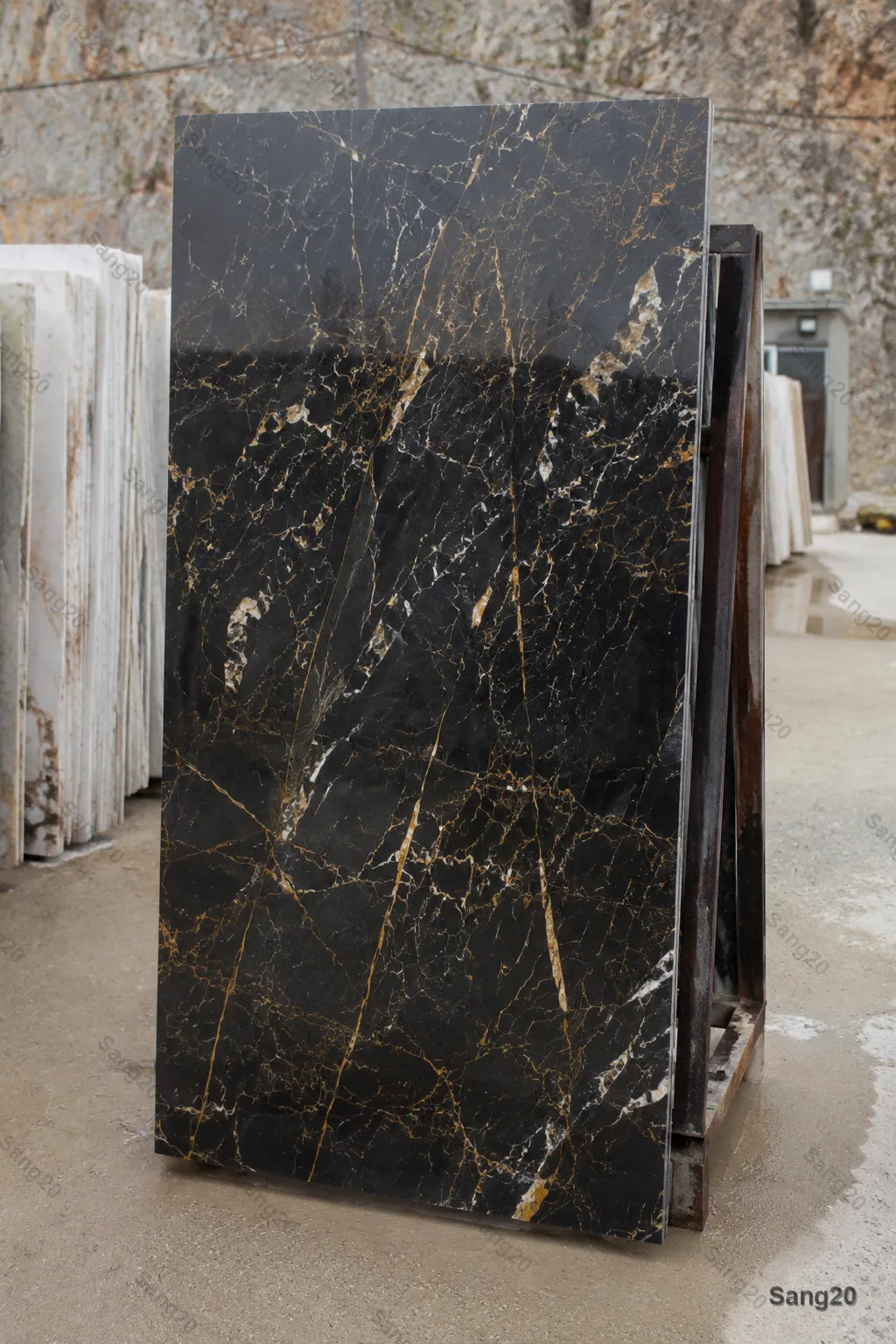 Golden Black Marble
Where should it be applied?
In automatic mode, the largest surface in your photo that suits stone cladding is chosen.
Your photo is used only to create this preview, is processed securely and is deleted automatically afterwards. Privacy policy
Your preview will appear here
- Before/after comparison slider
- Zoom in to inspect the details
- Guidance and a path to expert advice
See the stone on your real space before you buy
Choosing stone from catalog photos or a small sample is difficult — colour and texture look a little different once installed under your space's real light. This AI tool shows stones from the Stone20 catalog on your own photo, so your first decision is better informed. For the final choice, also look at a real sample and talk to our advisors.
A few tips for a better photo
- Shoot in daylight, without flash.
- Stand square-on to the surface.
- Keep the whole wall or floor in frame.
- If you can, move objects away from the surface.
Which spaces can you preview?
To choose better, also browse stones by application or by stone type:
Frequently asked questions
How close is the result to reality?
The preview is an approximation that helps your first decision. Colour, texture and veining vary slightly with light, installation and each batch, so look at a real sample or talk to our advisors before buying.
What happens to my photo?
Your photo is used only to create this preview, is processed securely and is deleted automatically afterwards. Temporary files are also cleared when you close the page.
Which photo works best?
A clear, daylight photo taken square-on, showing the whole wall, floor or facade. Large photos are resized automatically.
How long does a preview take?
Usually a few minutes. You can keep browsing meanwhile, and if you enable browser notifications we'll tell you the moment it's ready.
What do I do about price and ordering?
After seeing the result you can view the stone's details or request advice from the same page. The final price is confirmed on the proforma invoice.
Not sure which stone suits your space?
Our advisors will suggest the best options for your use, light and budget.